Windows 10 Upgrade
How To Downgrade Windows Pro To Home
Sometimes, the Windows Pro edition gets installed by mistake, and you may need to downgrade or switch it to the Windows Home edition. A clean reinstall isn’t…
262+ free activation guides · updated regularly
Run one PowerShell command. No bloat, no hassle.
Every guide here walks through Microsoft's own built-in tools — PowerShell, DISM, and KMS — to activate Windows and Office without third-party tools. Pick a product below, or browse the full library for step-by-step instructions covering every edition from Windows 10 to Windows Server 2025.
Sometimes, the Windows Pro edition gets installed by mistake, and you may need to downgrade or switch it to the Windows Home edition. A clean reinstall isn’t…
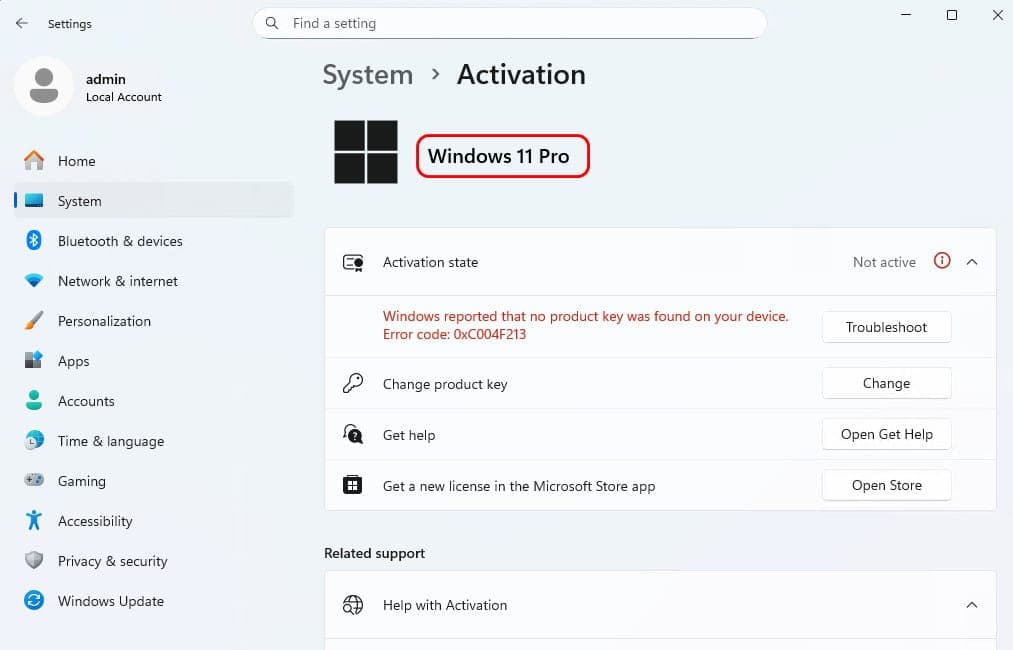
Sometimes, the Windows 11 Pro edition gets installed by mistake, and you may need to downgrade or switch it to the Windows 11 Home edition. A clean reinstall…
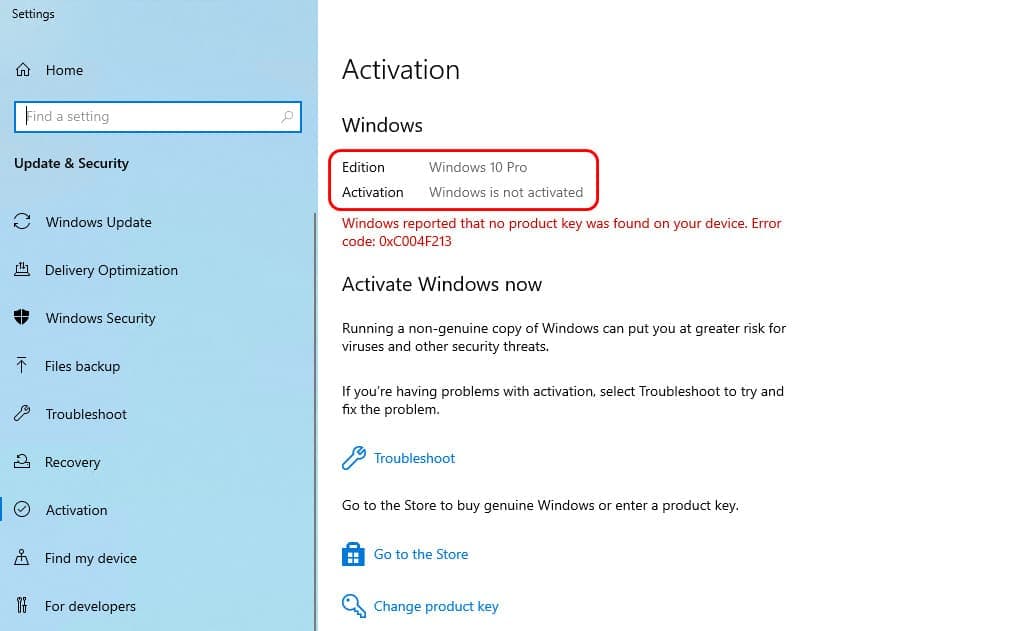
Sometimes, the Windows 10 Pro edition gets installed by mistake, and you may need to downgrade or switch it to the Windows 10 Home edition. A clean reinstall…
Sometimes, the Windows 10 Pro edition gets installed by mistake, and you may need to downgrade or switch it to the Windows 10 Home edition. A clean reinstall…
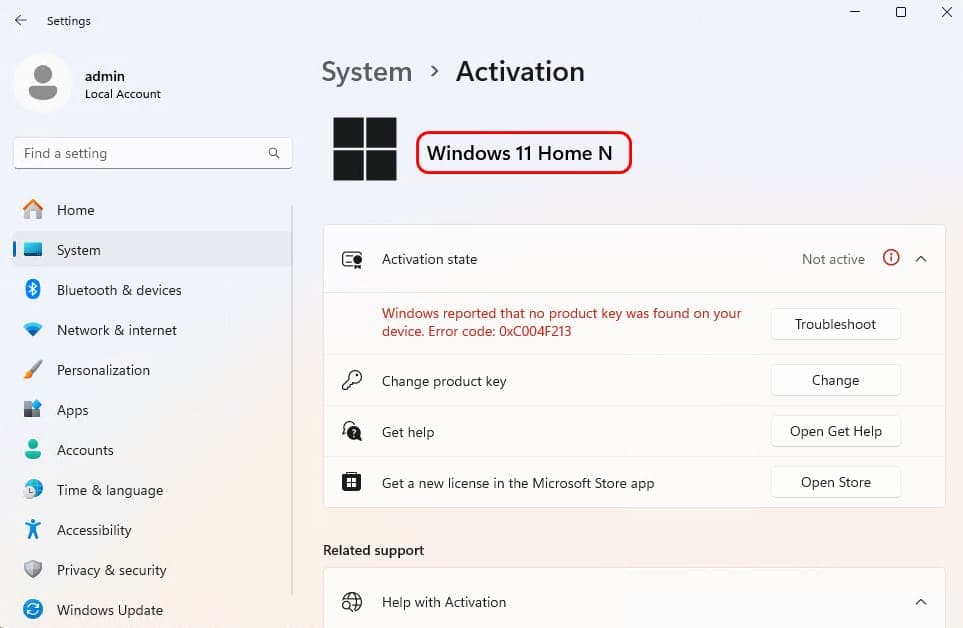
Upgrade Windows 11 Home N to Pro without reinstalling or data loss — free step-by-step guide using a single PowerShell command to switch editions in place.
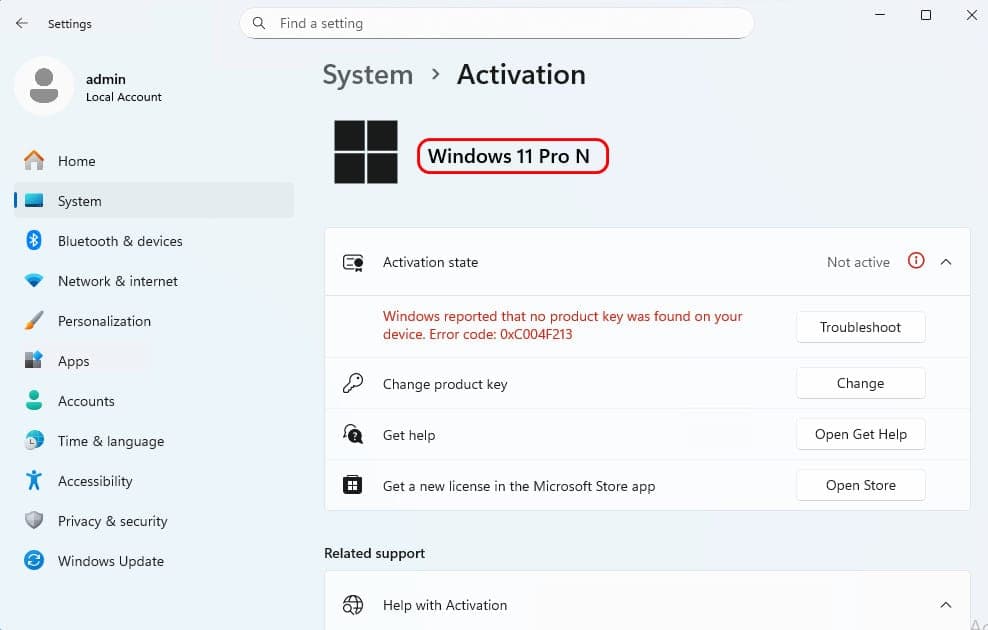
Switch from Windows 11 N to regular Windows 11 without reinstalling or losing data. Free step-by-step guide for all N editions — Home N, Pro N, and more.
Every guide relies only on tools already built into Windows — PowerShell, DISM, and the Volume Activation / KMS client present in every install. We never bundle third-party activators or modified files.
MSGANG.com covers every major edition — Windows 10, Windows 11, Windows Server 2016 through 2025, and Office 2016 through 2024 — with edition-specific steps in each guide, including how to check and convert your current edition first.
No. The guides walk through KMS client setup and evaluation-to-retail conversion, which activates without entering a retail product key. If you do have a key from Microsoft, most guides also show where to enter it instead.
KMS activation renews itself automatically roughly every 180 days as long as the device can periodically reach a KMS server — this happens silently in the background, so there is nothing to redo manually.